
Score counter
Count the points.
Nothing else.
A clean score counter for your card and board games. Open it and play : no setup, no ads, no distraction.
New Version 1.0.15 — see what's new →
Score counter
A clean score counter for your card and board games. Open it and play : no setup, no ads, no distraction.
New Version 1.0.15 — see what's new →
Getting started
Top half to increase, bottom half to decrease. In a hurry? Swipe to chain points.
No tiny buttons, no pop-ups to open : eyes on the game, not on the screen.
Need more? Press and hold a counter : a radial menu opens around your finger to rename the player, change their color, their die, or enter an exact value.
The app opens on the counter. No account, no tutorial : you play right away.
No banners, no purchases, no interruptions during play.
Everything stays on your device. No data collected, no tracking.
Every gain and loss is felt, without ever slowing the game down.
Features
Everything you need to track a game — and nothing you don't.
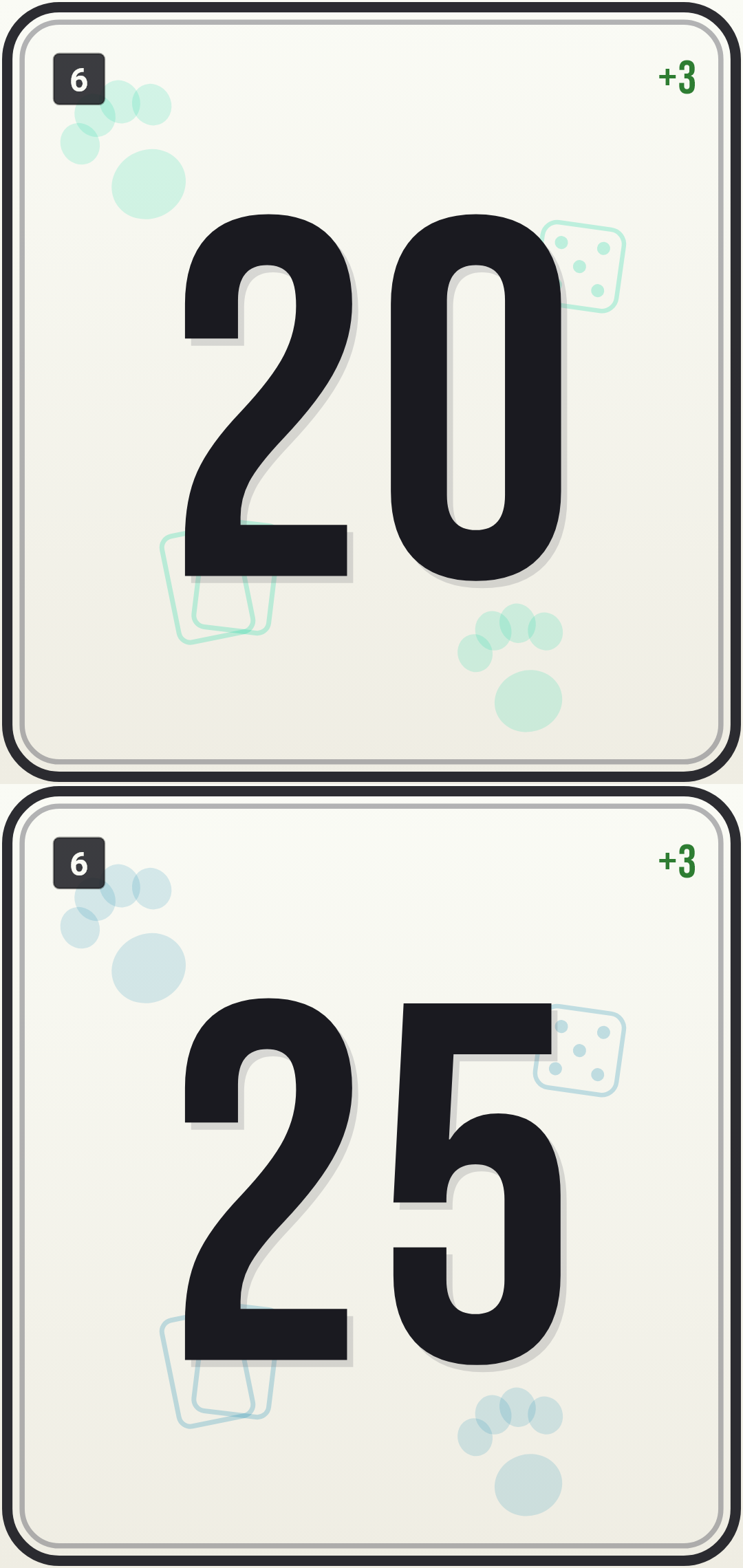
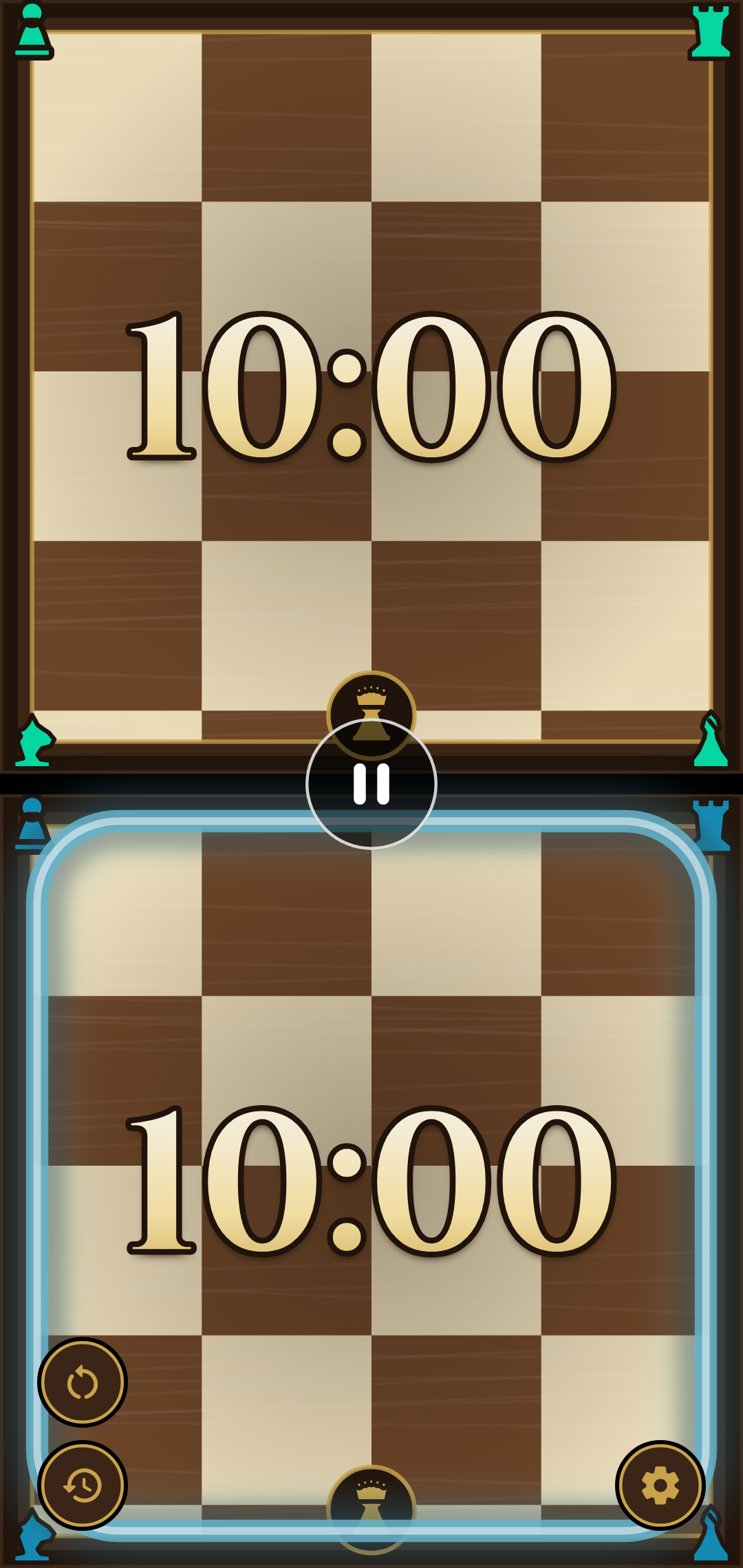
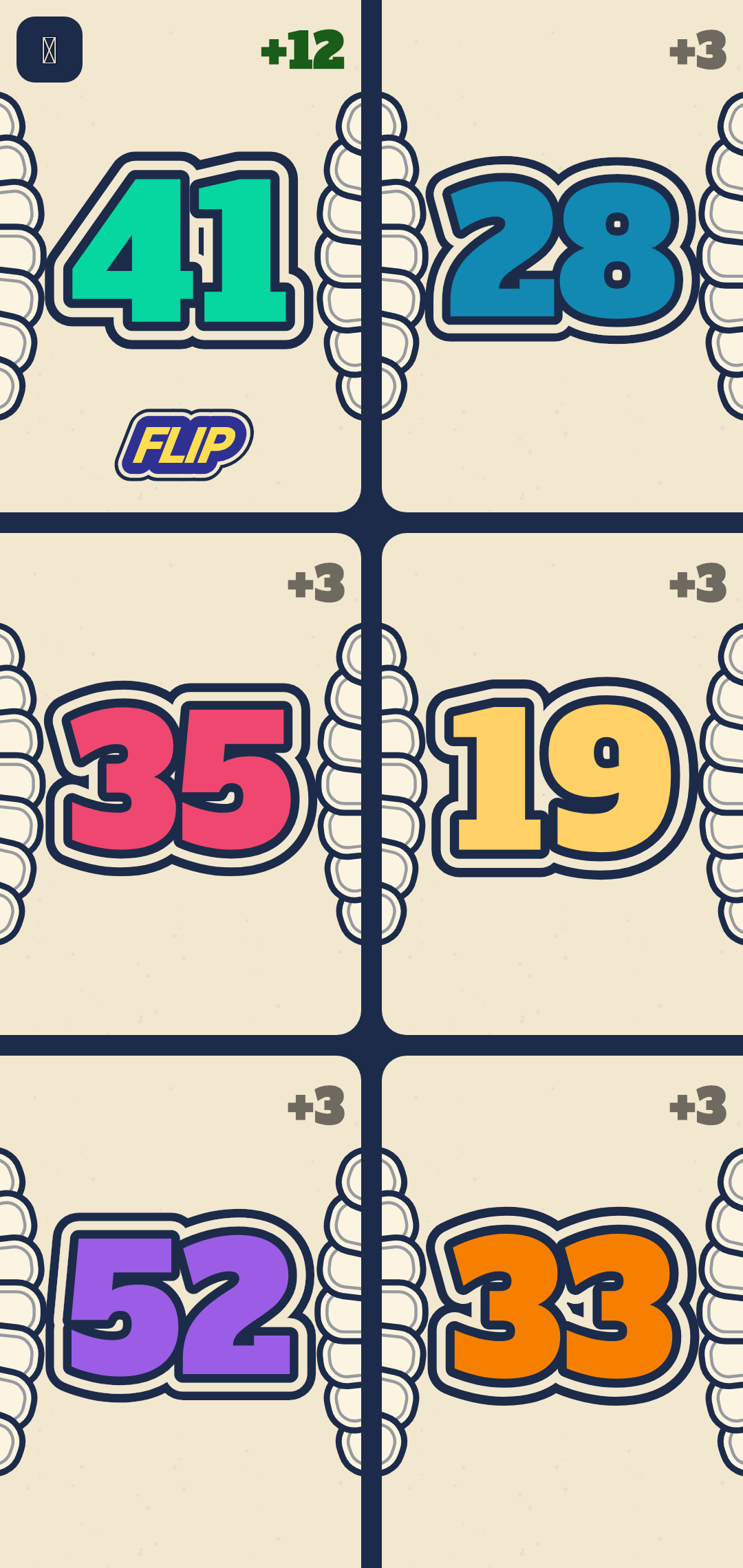
The standard mode, modes tailored for Yu-Gi-Oh!, Riftbound, Flip 7, Emblems, Dice Throne and Unmatched, plus a chess-clock mode (Blitz) — the essentials, without the rules.
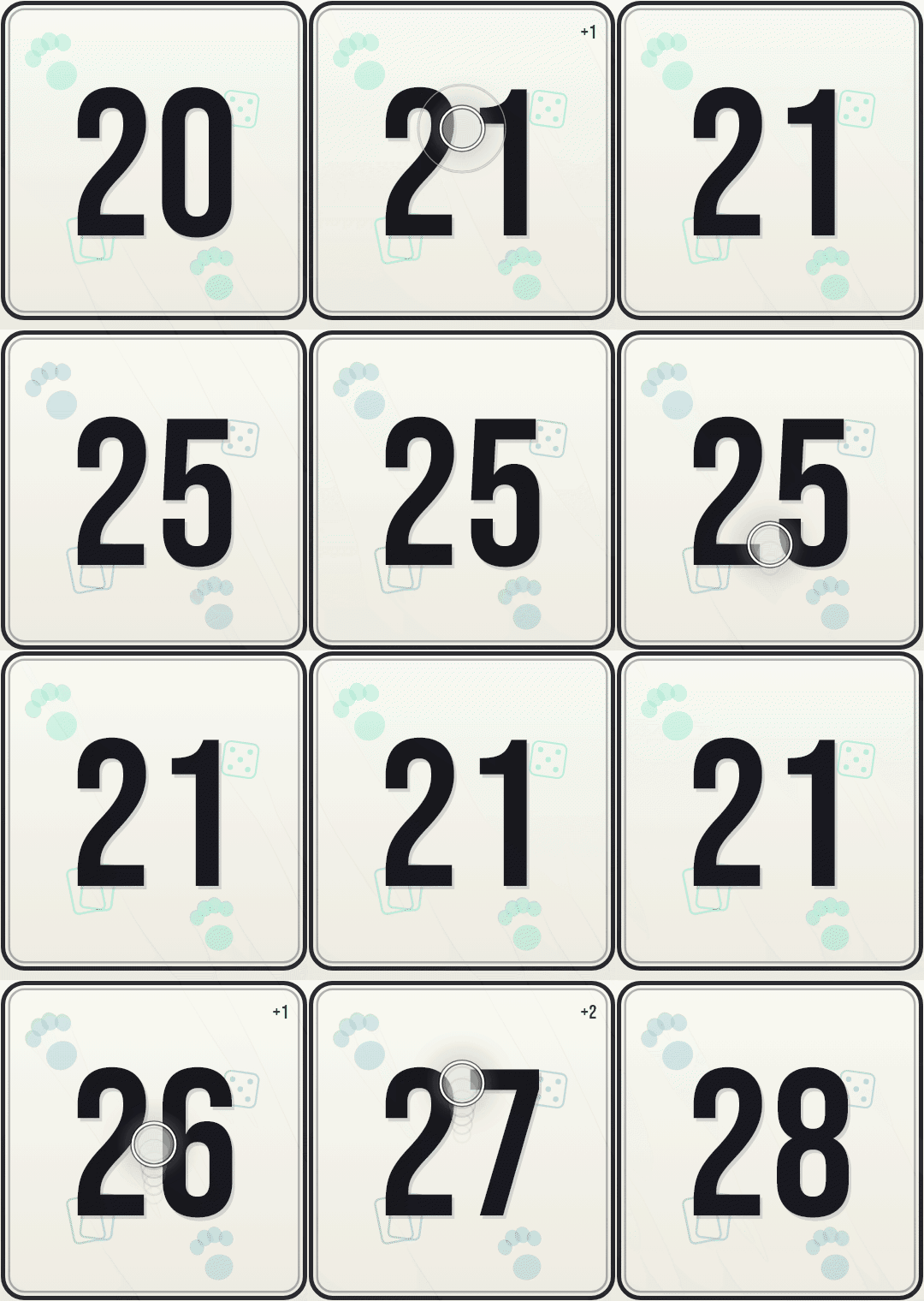
Up to twelve players or tokens on screen ; the grid adapts on its own.
Review every score change, grouped by turn.
Pace your games and timestamp moves when time matters.
Save your favorite settings and start a game in one tap.
About a dozen moods, subtle or spectacular, without changing your game.
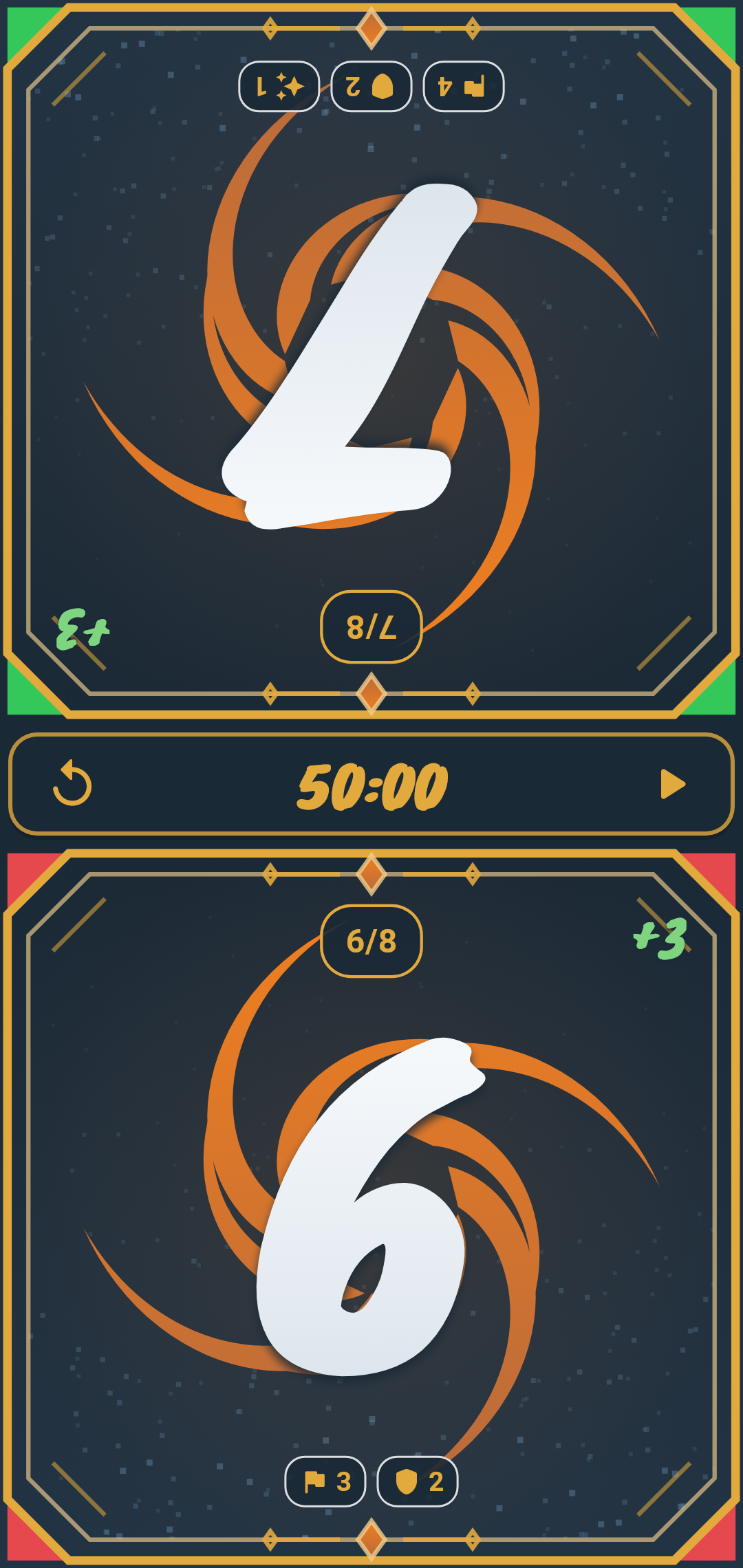
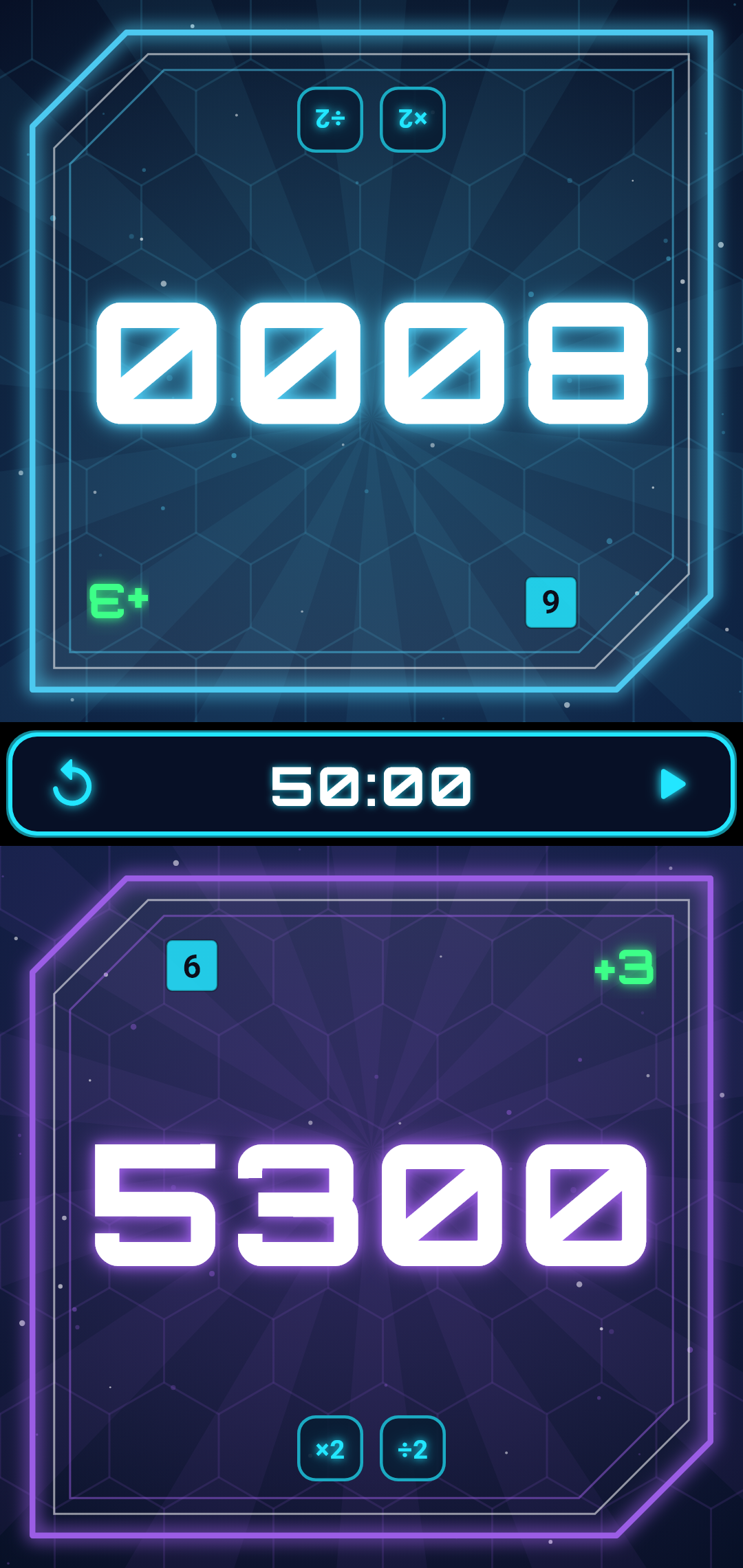
In a duel for example, the opposite counter flips 180° : each player reads their score upright, on each side of the table.
From a duel to a big table : up to twelve counters on screen, each in its color, in two columns of six. The grid reorganizes itself to stay readable.
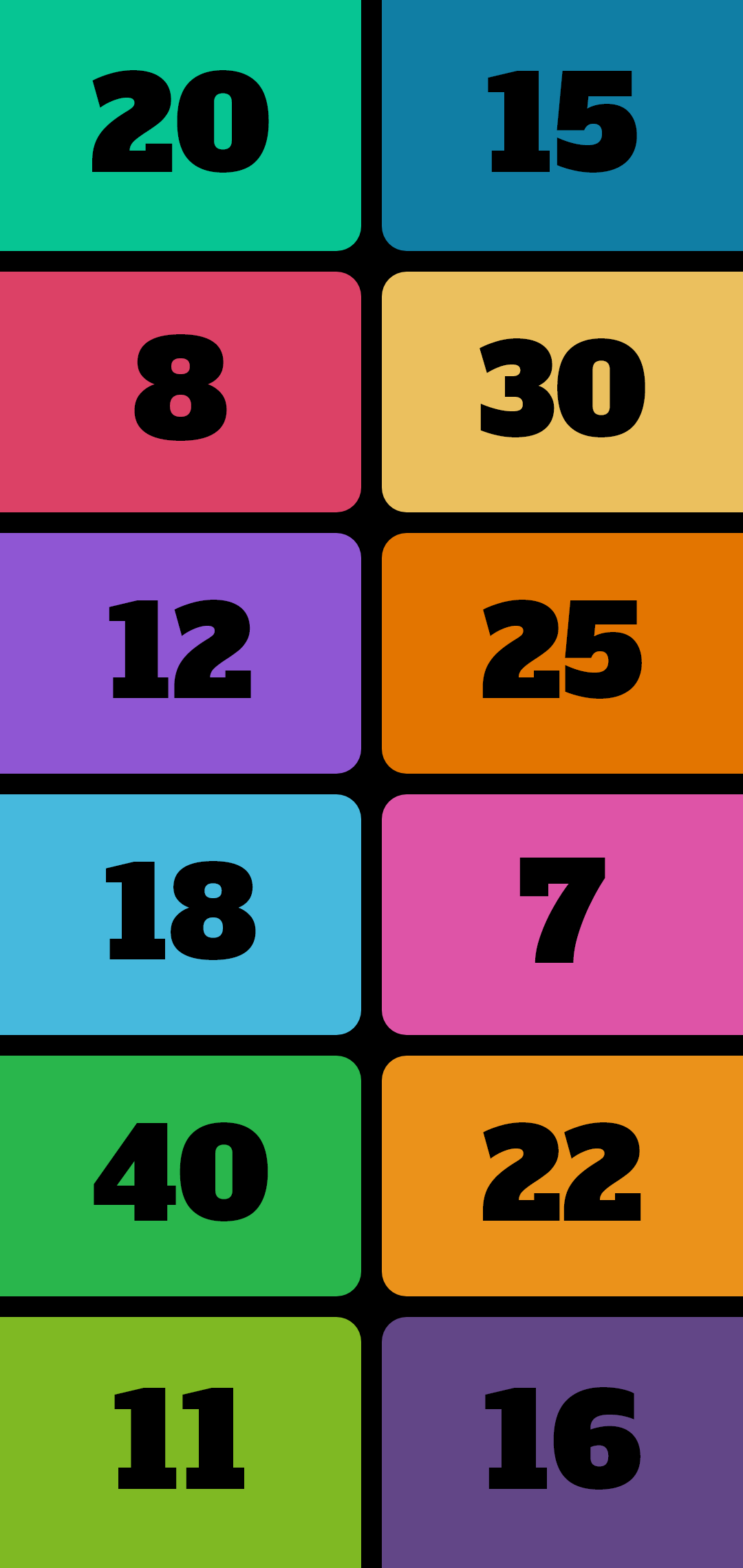
Modes adapted to each universe : we keep the essentials of the score — life points, tokens, win conditions — without bringing in all the rules.
You stay in control : the app counts, you arbitrate. Shortcuts when you want them, discreet when you'd rather just count.
Game modes
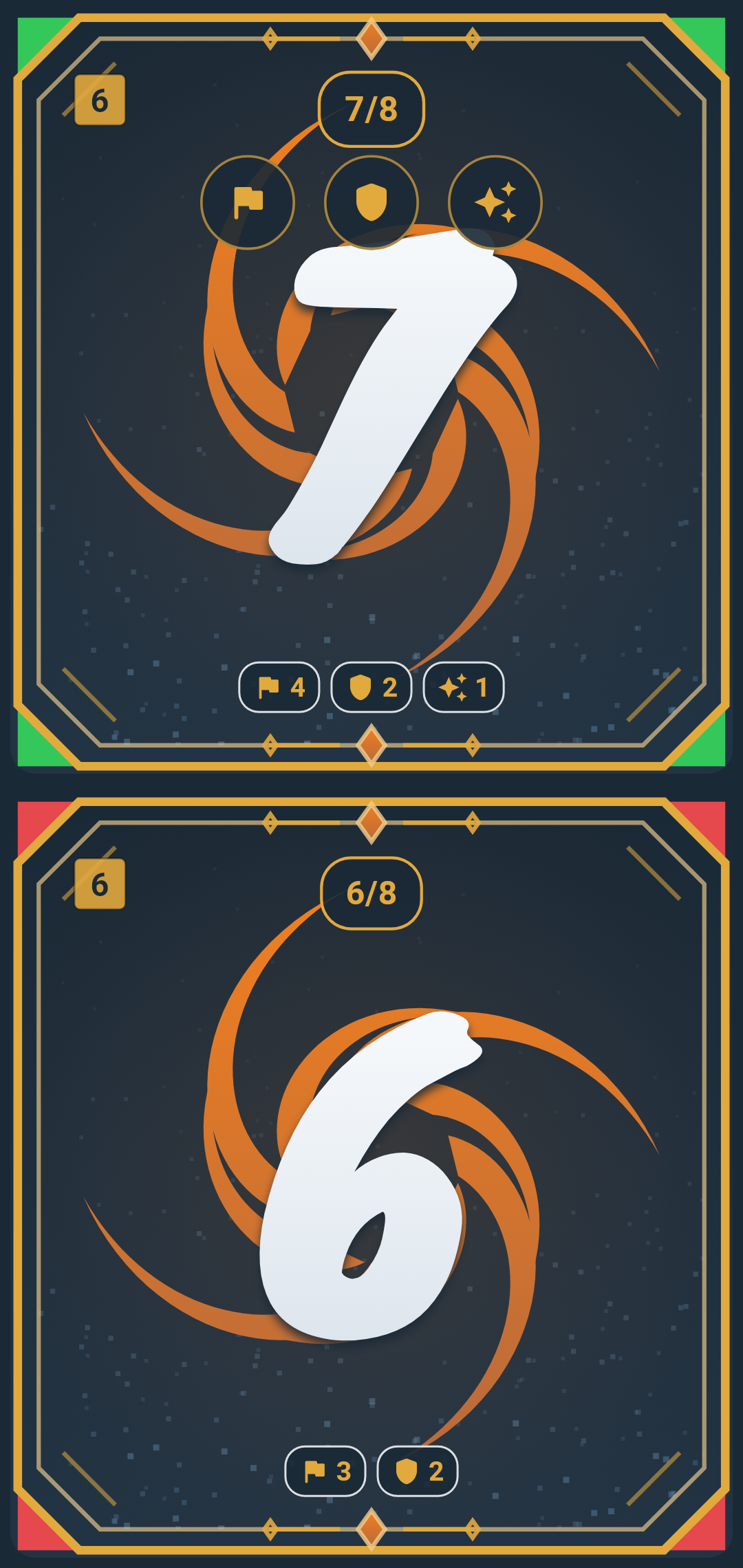
The standard mode opens the app. The others capture the essentials of a game — life points, tokens, race to victory — or time the turns, without imposing its rules.
And it's just the beginning: more modes are coming!
Dice roll
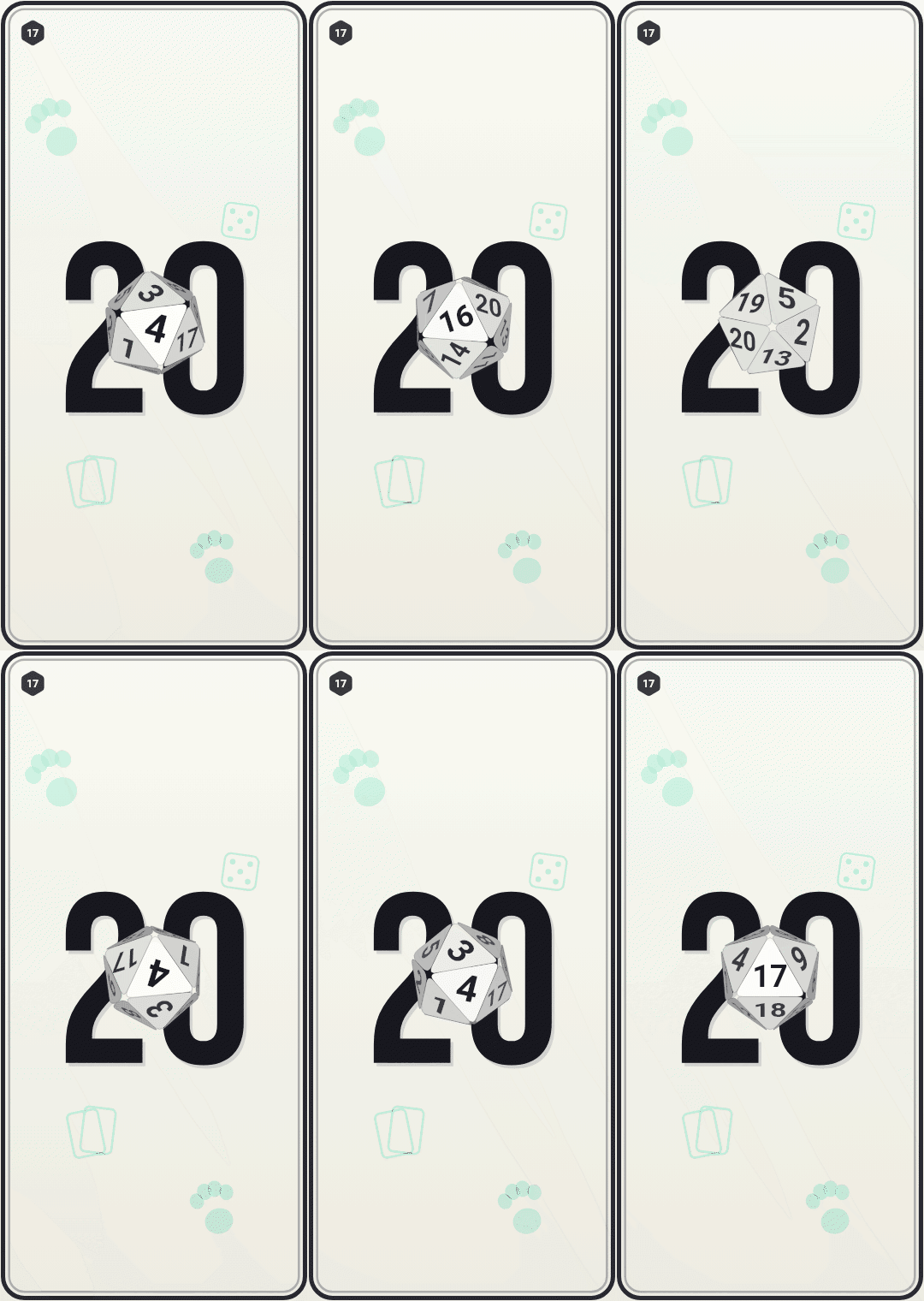
Tap a counter's die : it tumbles in 3D then lands on its result, without leaving the game. Each counter picks its own.
Gallery
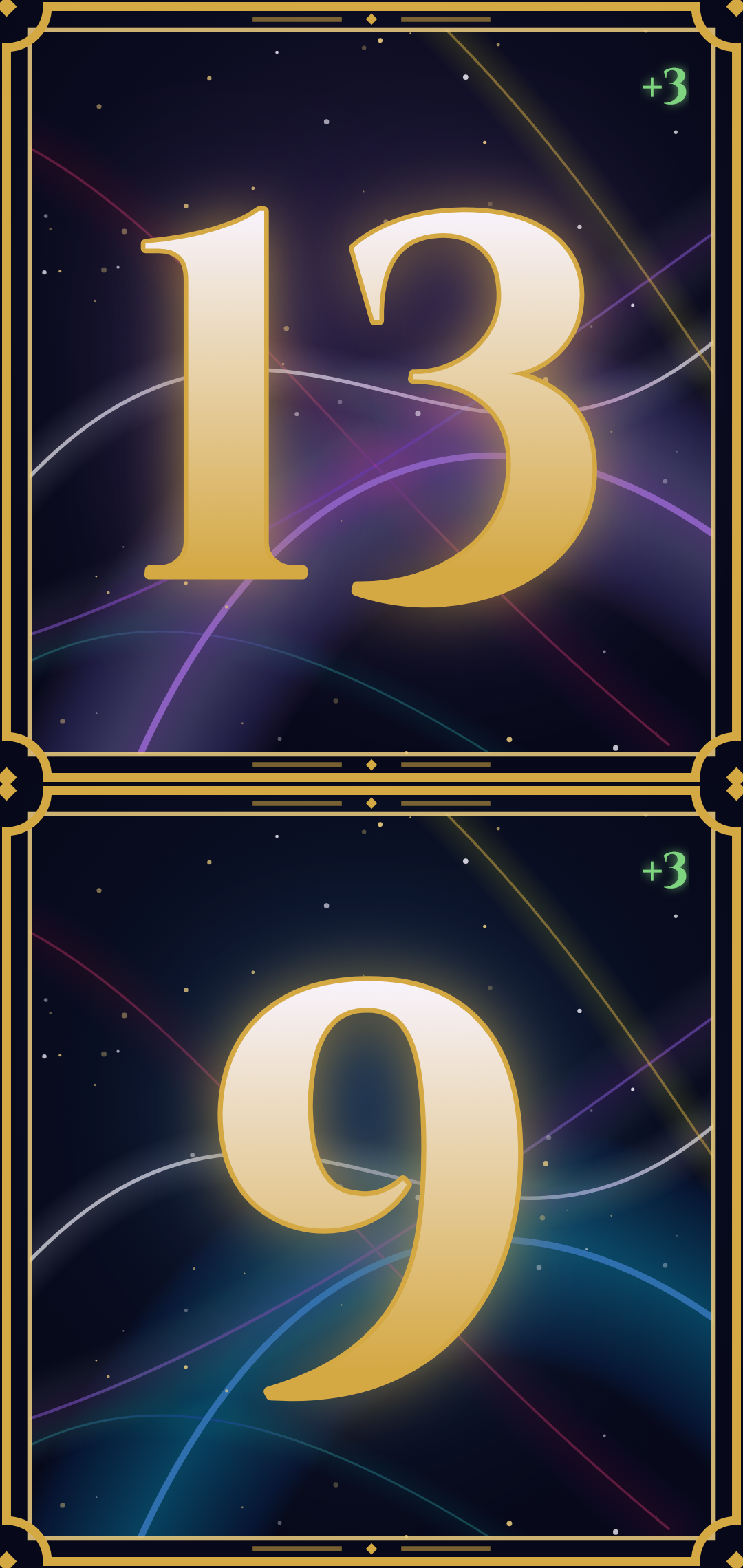
Visual feedback designed for each game, without getting in the way of the score.
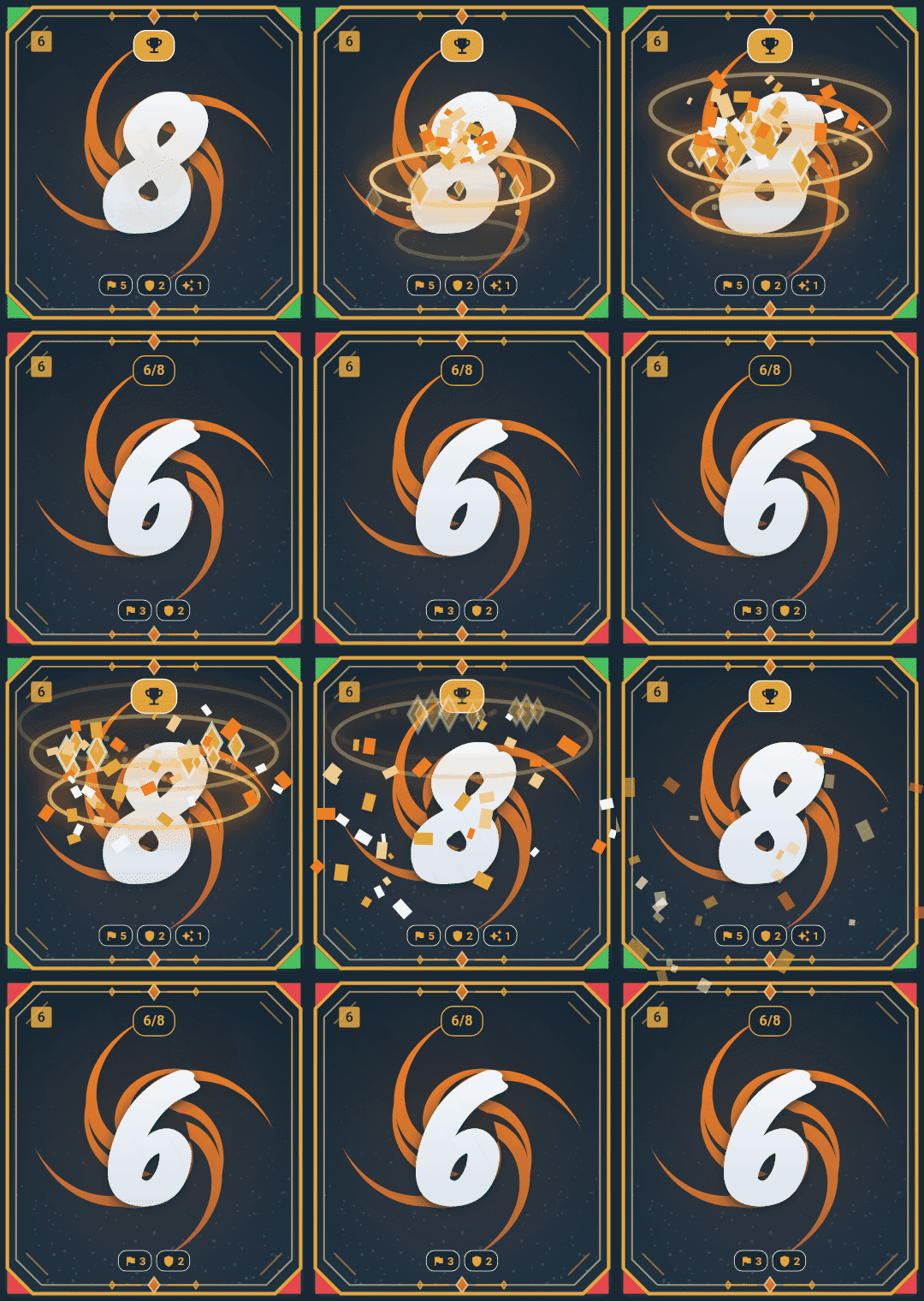
In Rift mode, each gain offers three origins in one tap — Conquer, Hold or Ability — close to Riftbound's scoring.
The history keeps the nature of each point, and victory is celebrated with a golden animation.
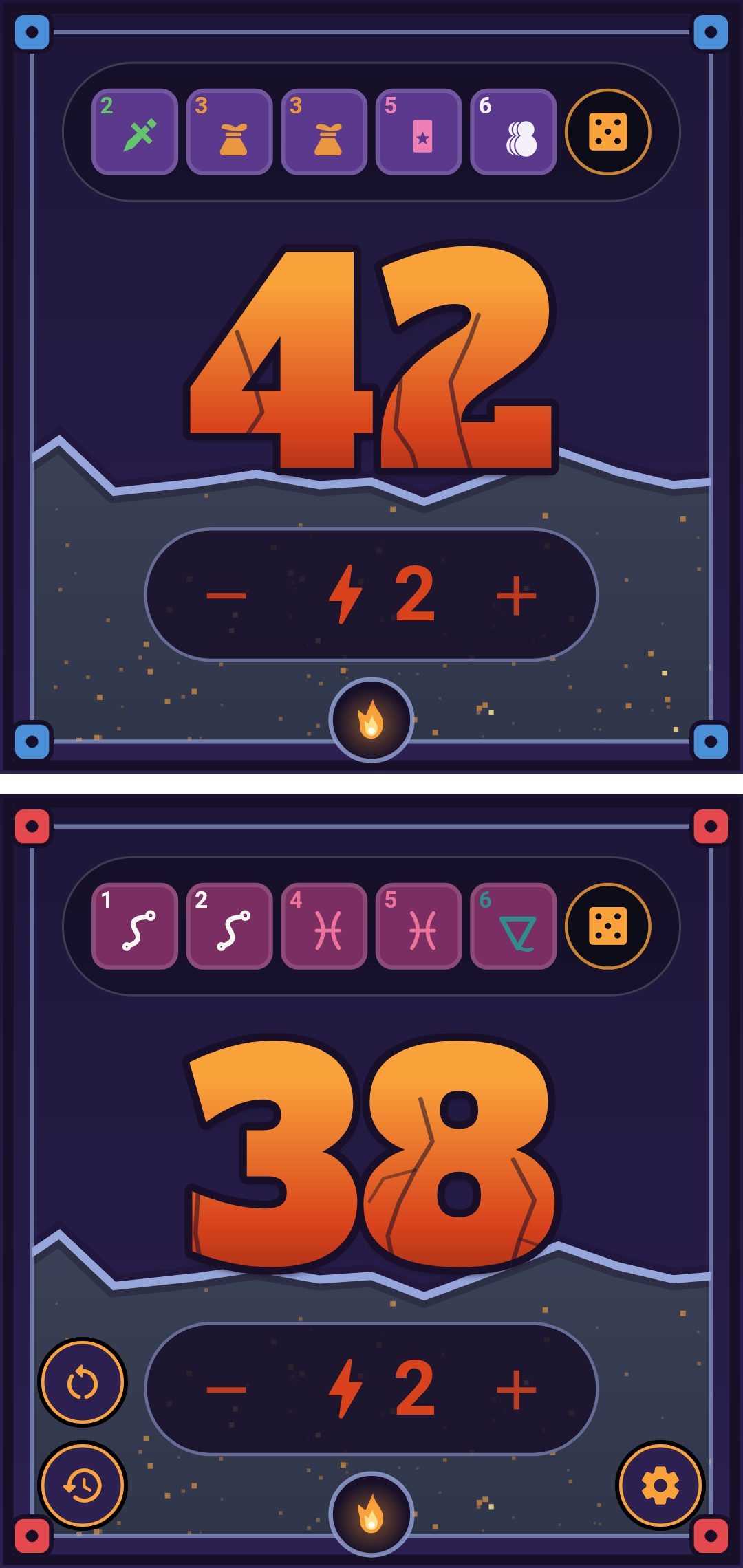
Pick one of 44 characters: each player gets their own bar of 5 dice bearing their character's symbols and colors, plus life points and combat points : roll, lock the dice you want to keep, reroll the rest.
Every change has its visual feedback : healing sparks, combat lightning, and an ember backdrop that sets the mood without hiding the number.
Everything about Throne mode →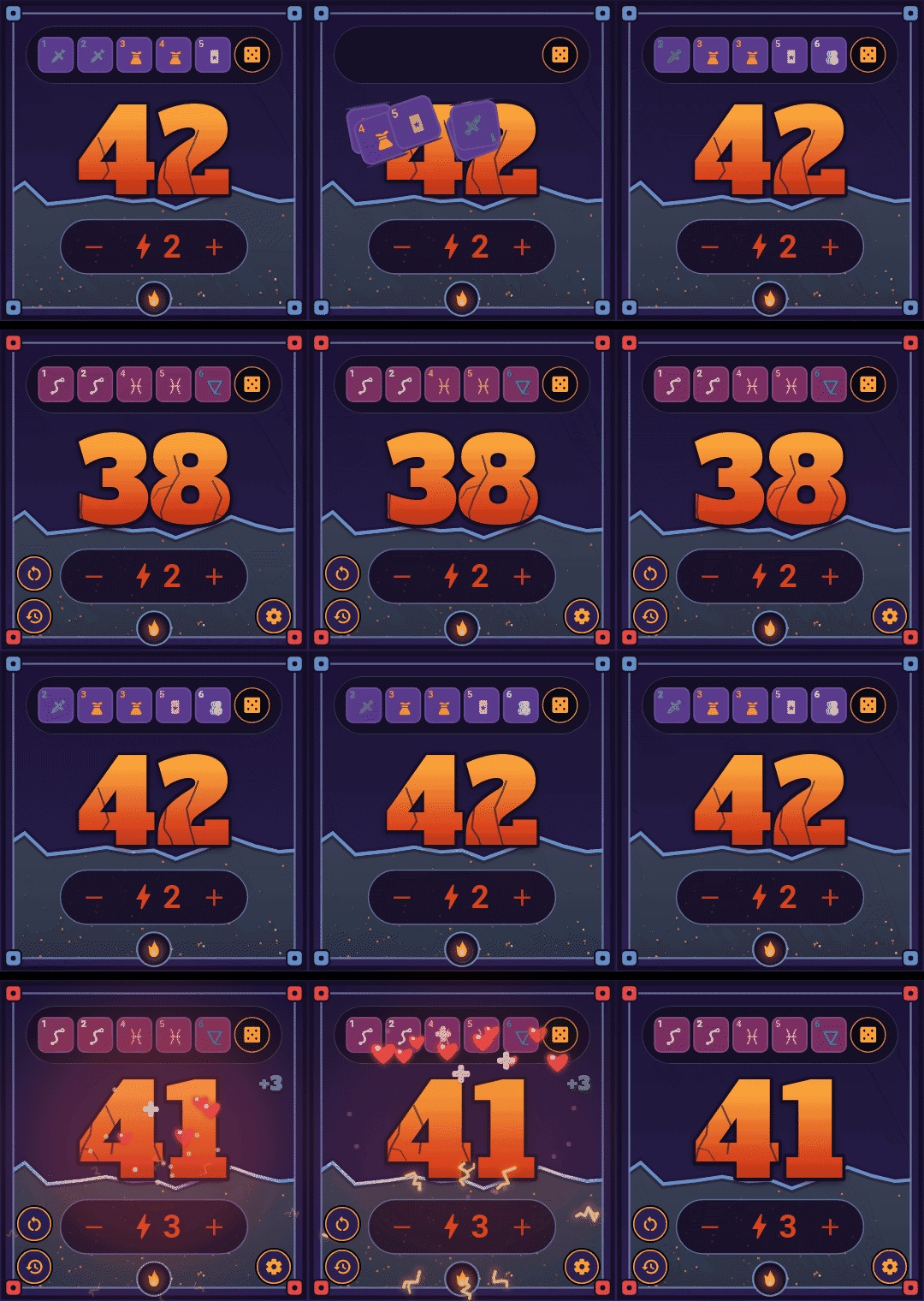
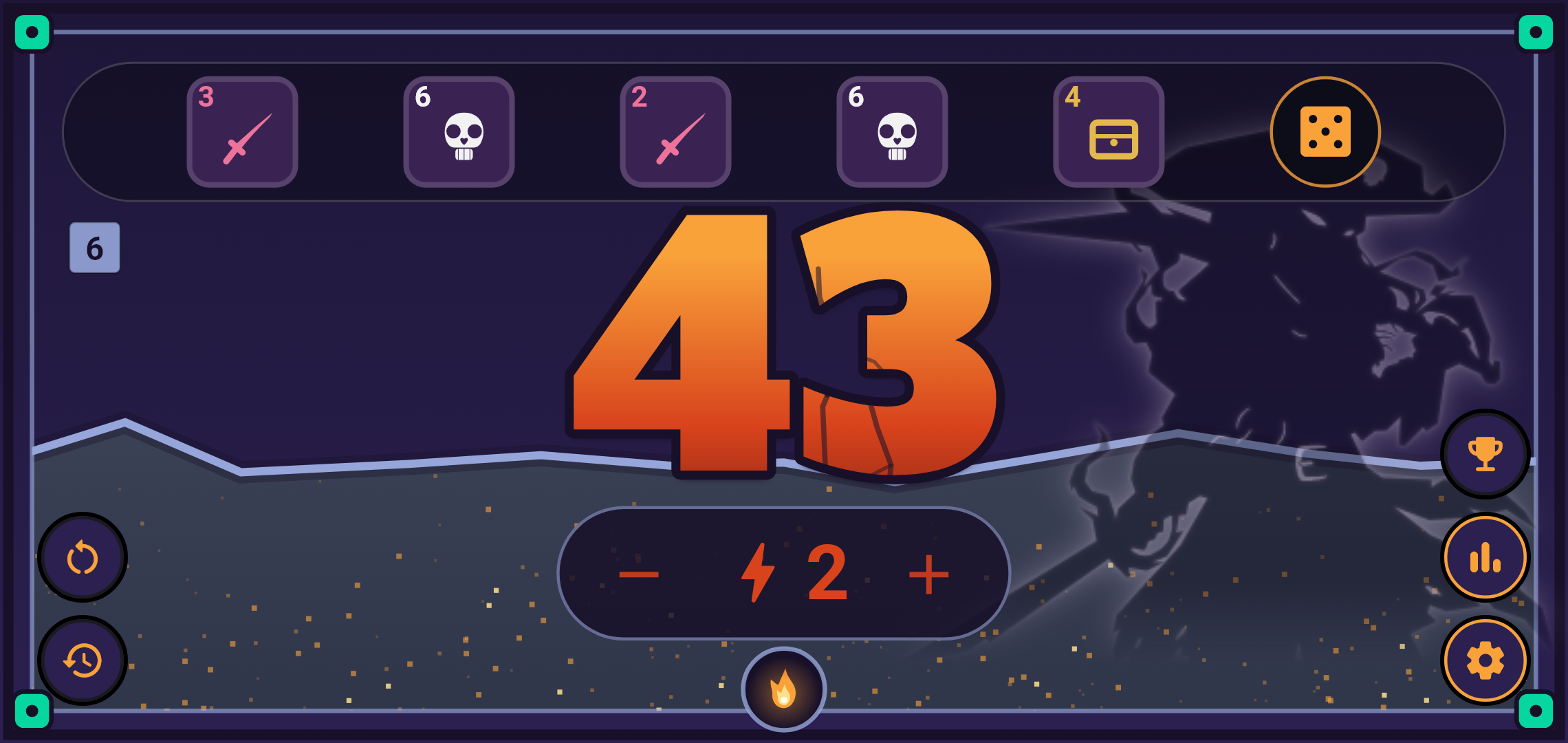
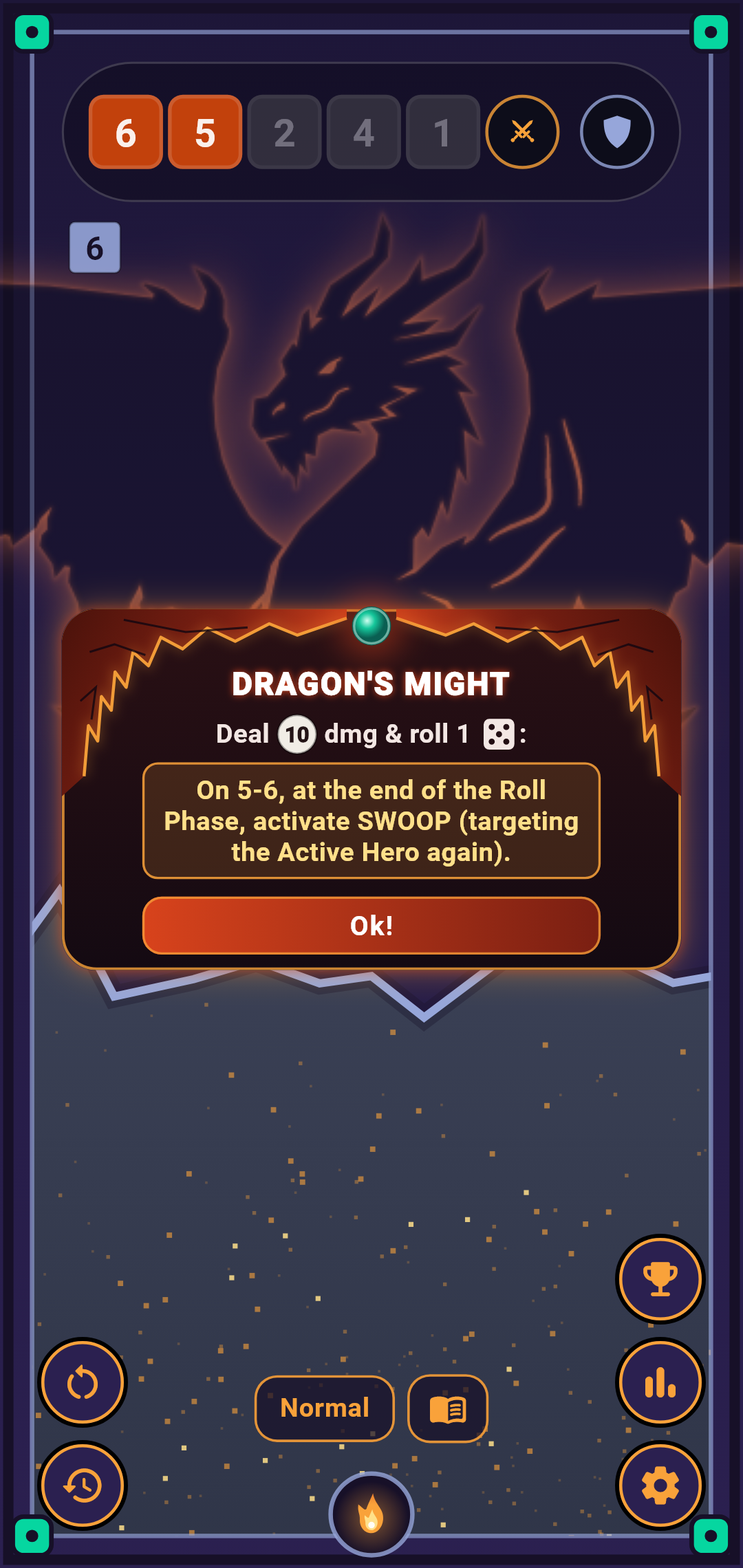
Narax in the app, Naraxus in the box : the boss gets his own counter. An attack button, a defense button, and the rolled ability spelled out on screen — damage, healing and prevention as icons.
His five dice stay in view : the ones just rolled in color, the others dimmed. Normal or Hard mode in one tap, and all his rules at hand without leaving the game.
Two more bosses join him, written for the app : Ossyrn, who grows stronger the more he is wounded, and Krogar, whose dice bar doubles as a charge gauge.
The three bosses in detail →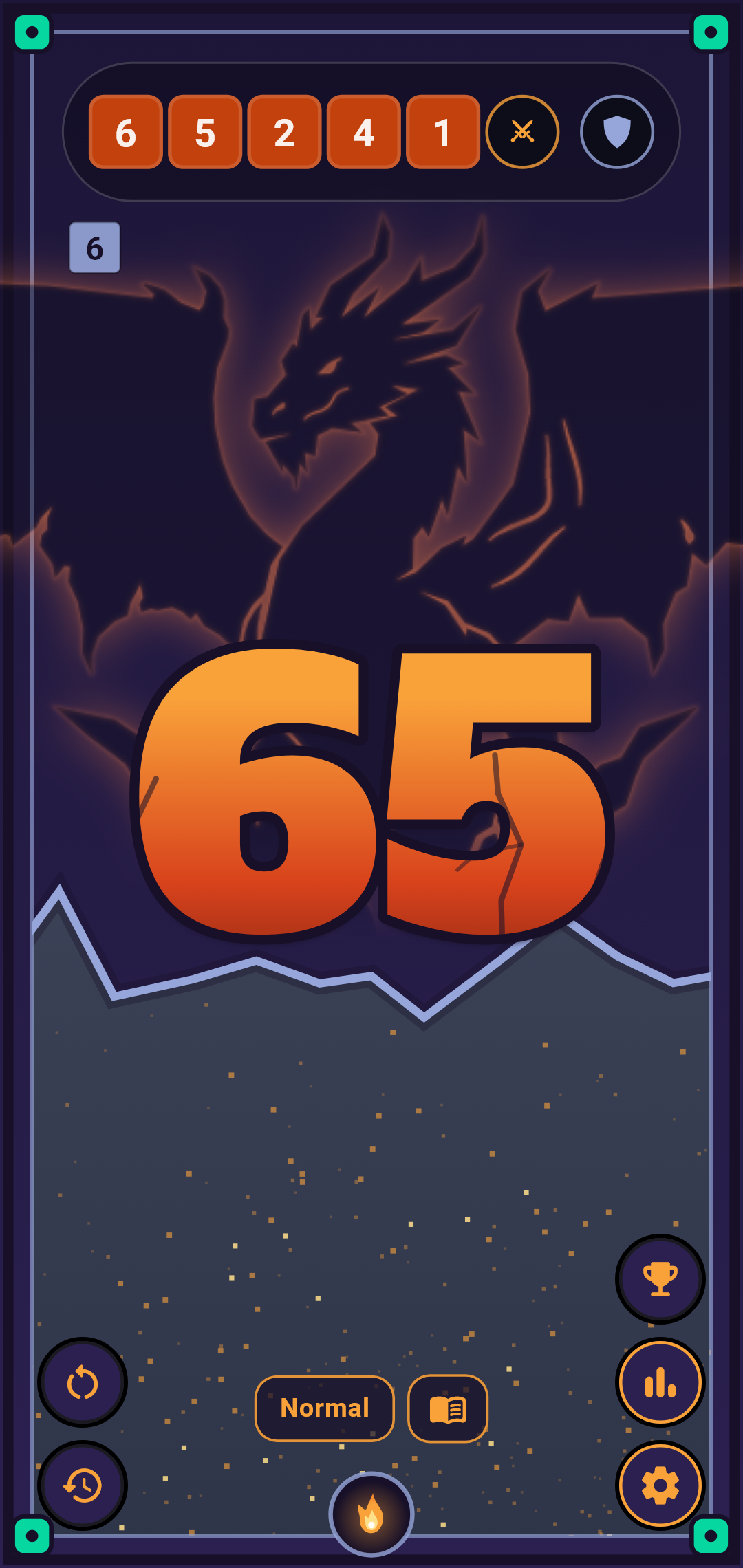
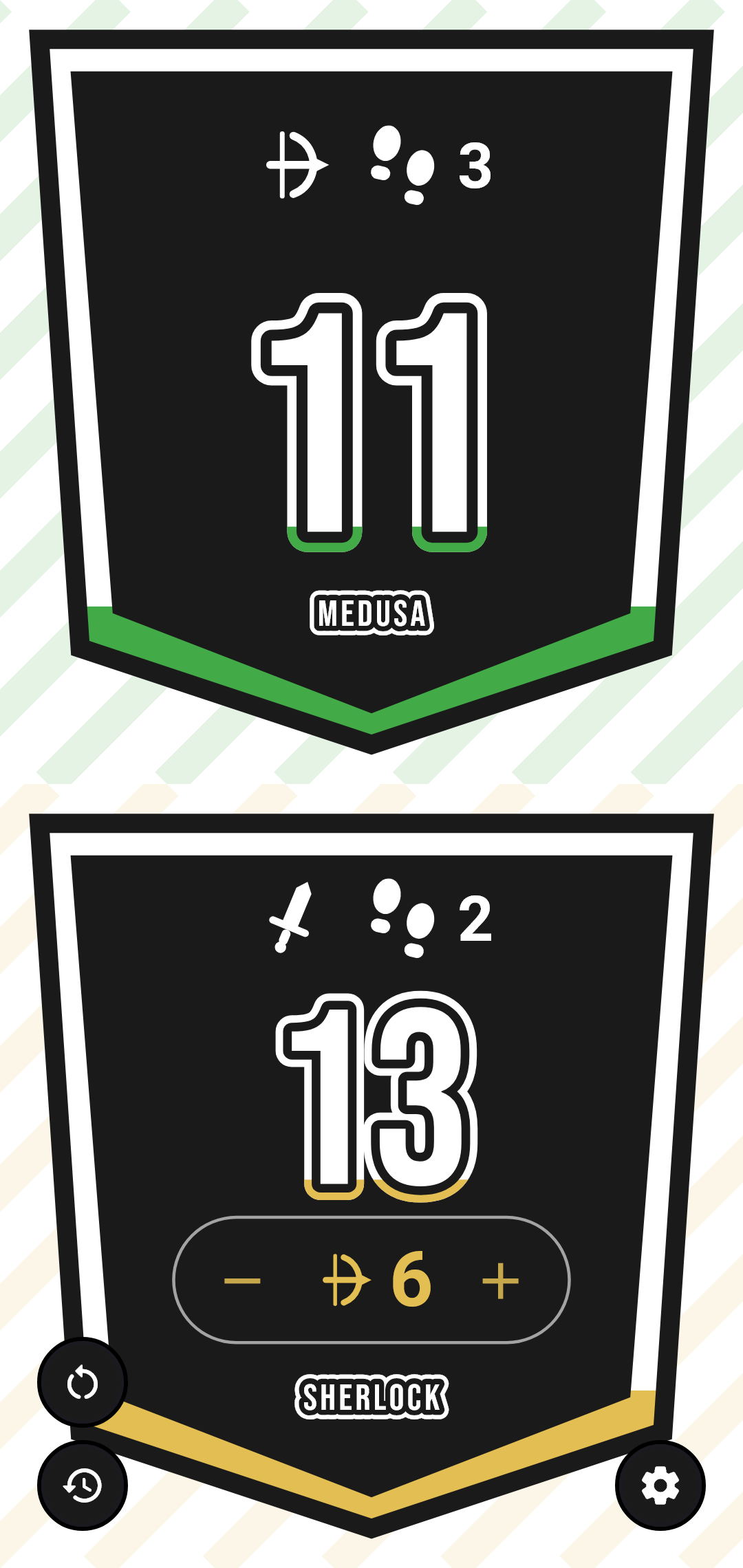
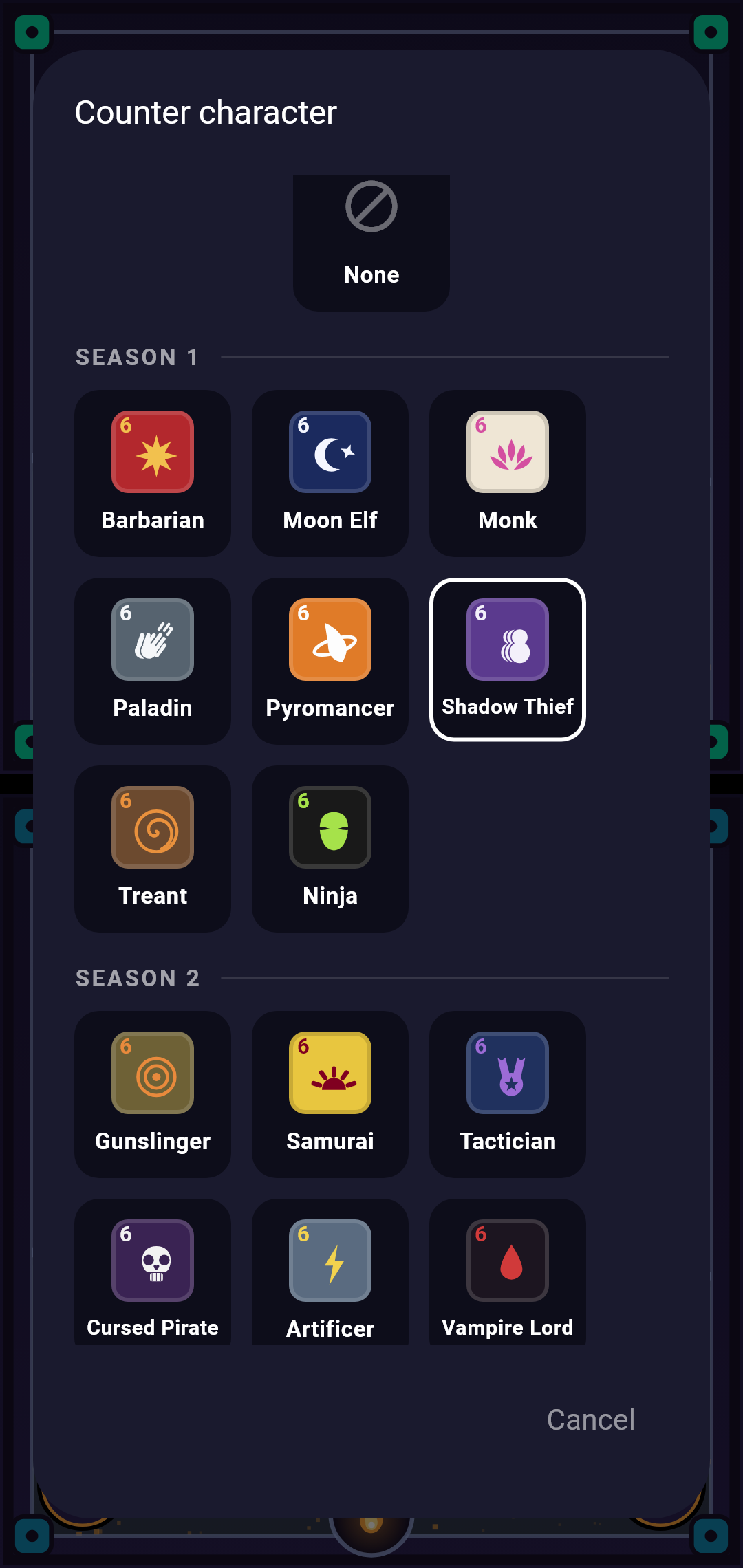
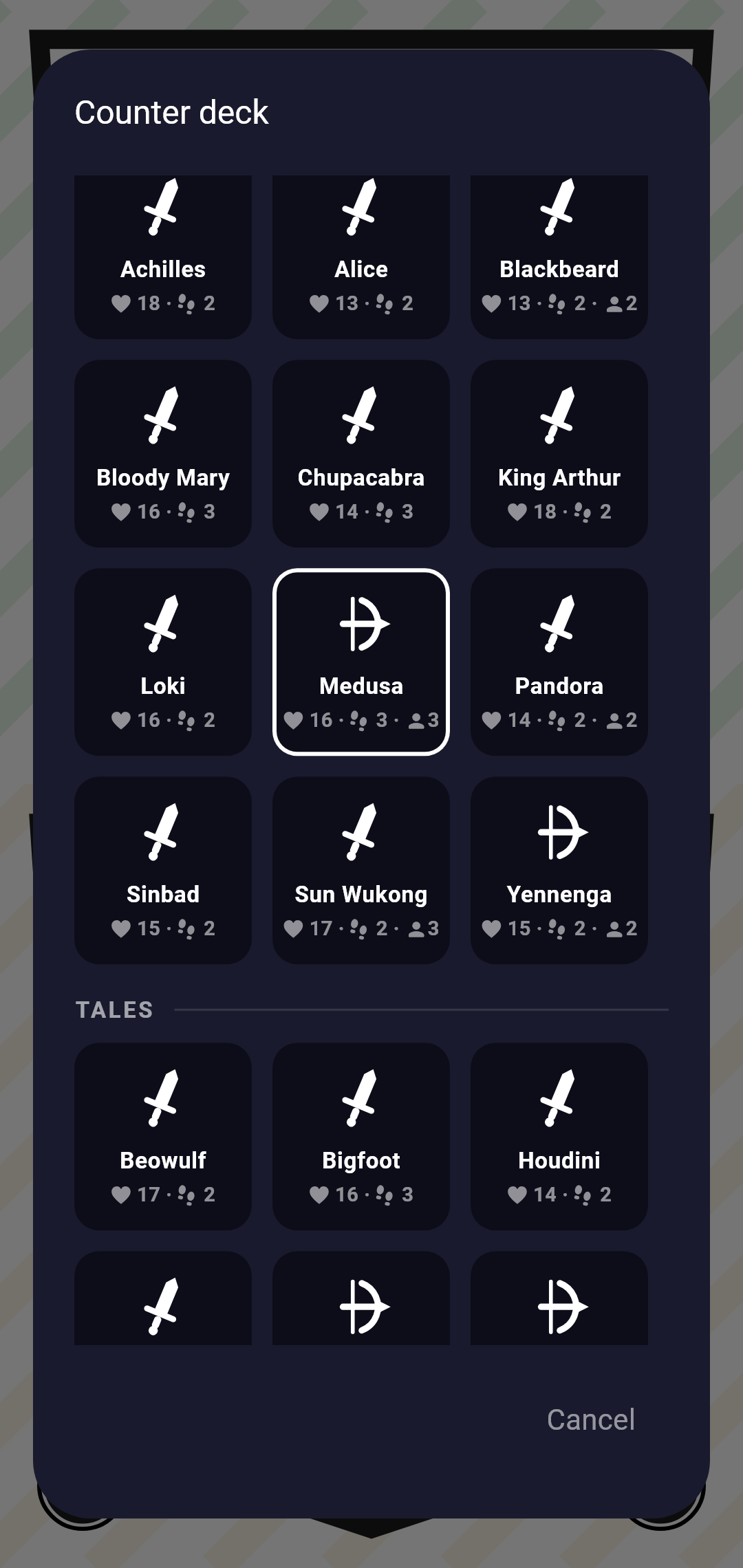
Link one of 74 decks to each counter: the hero's health up front, a dedicated pill for every sidekick, with attack type and movement always in sight.
Each deck brings its own color and its name to the counter; token sidekicks stay on the board — the app only shows what matters.
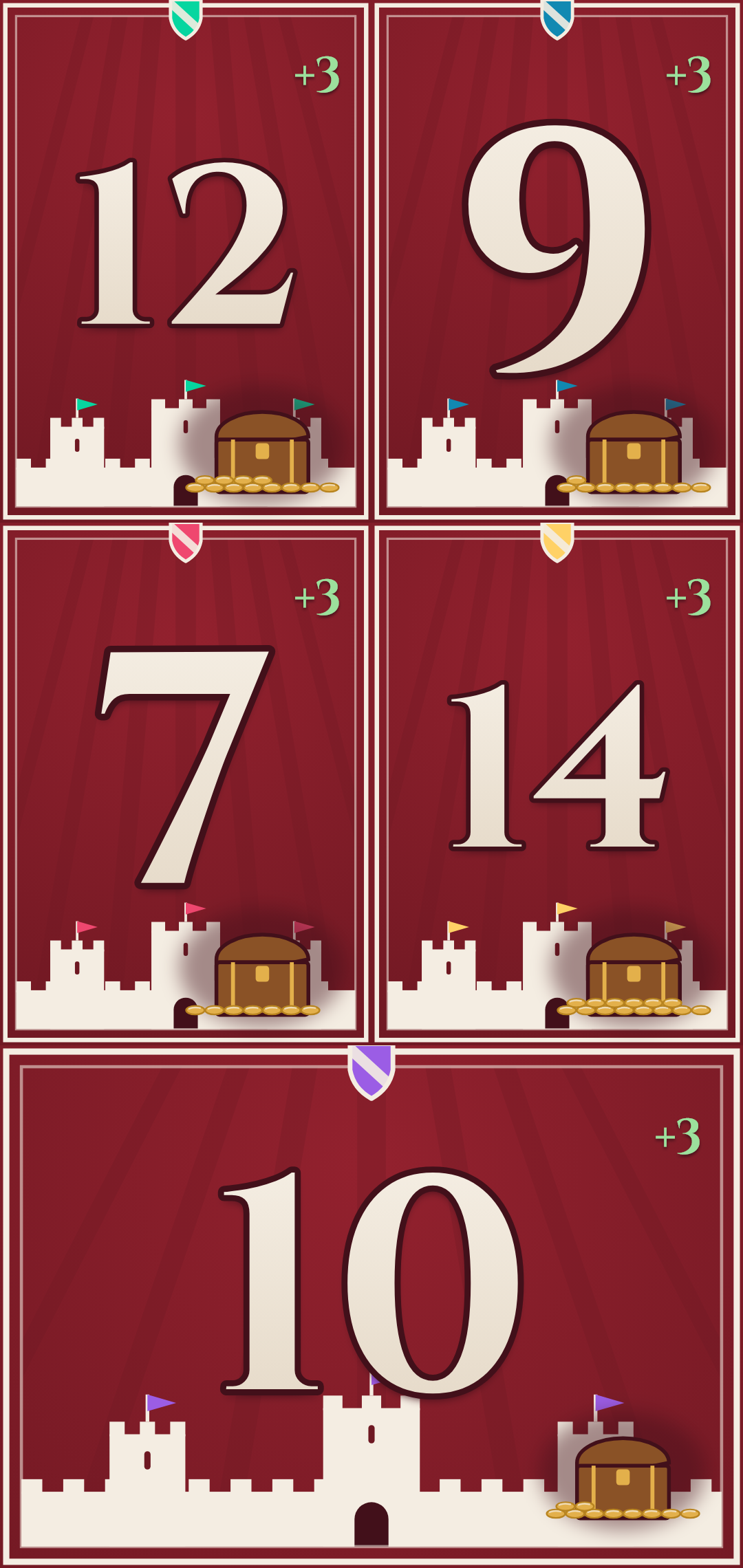
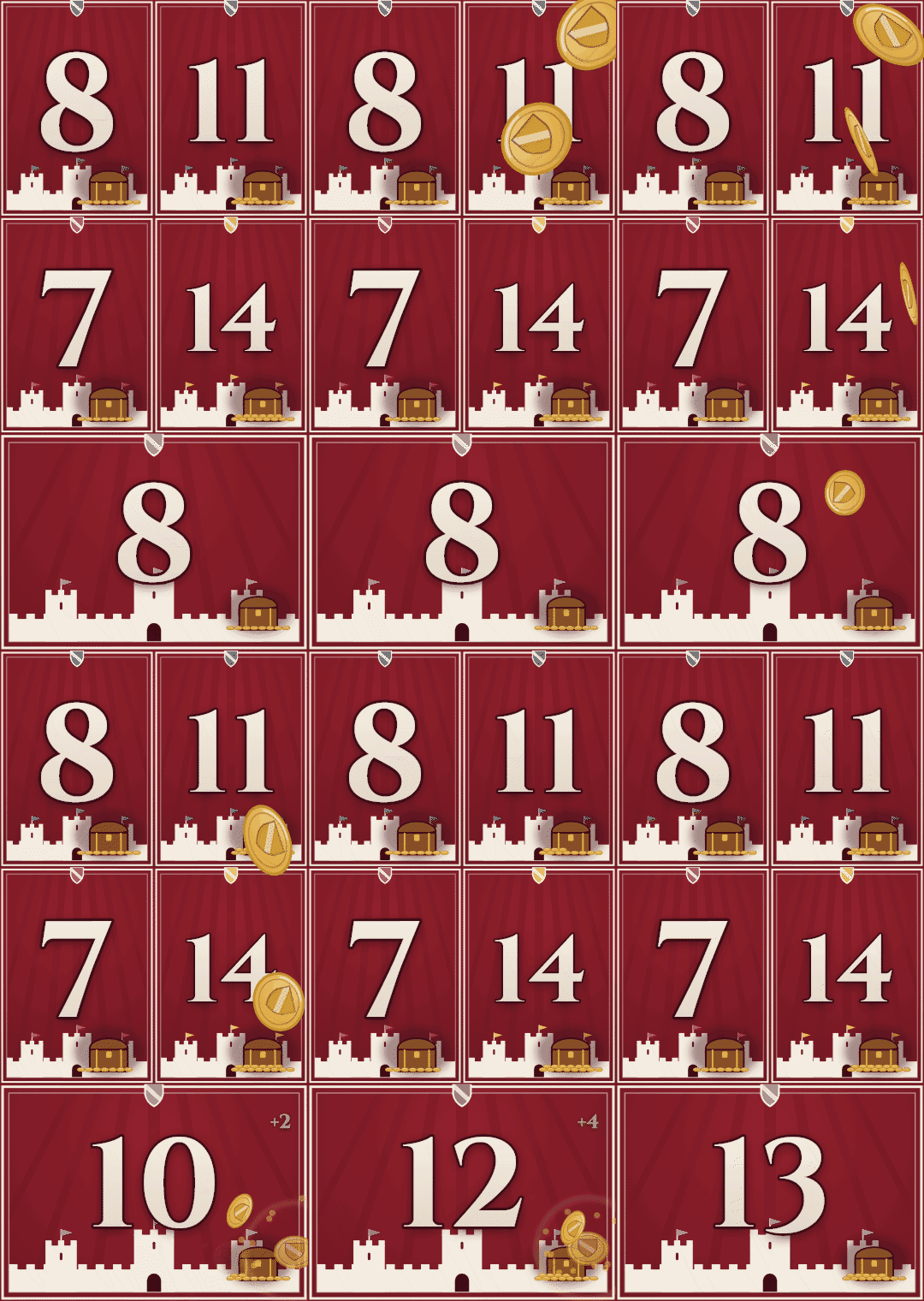
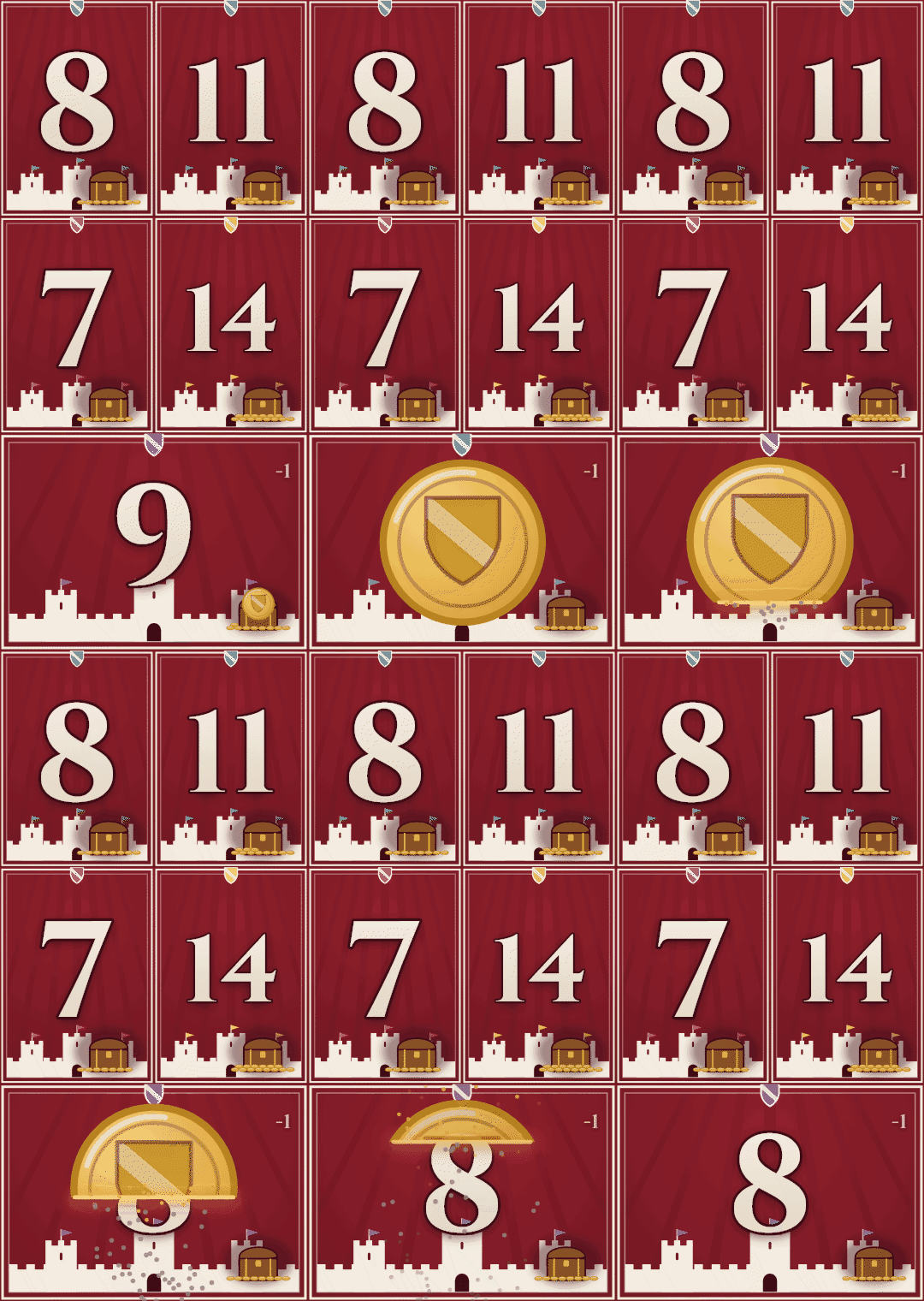
Emblems mode animates every token : coins drop into the treasure when you win, and burn away when you lose.
The heraldic mood holds up to five players, each in their color.
iPhone & iPad
Serval Score isn't on the App Store yet. In the meantime, the web version installs on your home screen in three taps: it opens full screen, with no browser bar, and works offline just like the Android app.
Installing matters: that's what lets Safari keep your settings for good, along with your saved configurations and statistics. Opened as a plain web page, Safari may clear them after a few days without a visit.
🌐 Straight in your browserOpen the web versionOpen this page in Safari on your iPhone or iPad — other iOS browsers don't offer adding to the home screen.
Tap the Share button in the browser bar.
Scroll down, choose “Add to Home Screen”, then Add.
Launch Serval Score from its new icon: full screen, offline, your games kept from one session to the next.
The web version is still a browser app: keeping the screen awake and the sounds depend on Safari, and the first launch downloads the app (a few dozen megabytes, once). Everything else is identical. On Android, go for the Play Store app.
Contact
Built solo. Your feedback shapes the next versions.
contact@servalscore.comServal Score is free and ad-free.
If you like the app, you can support me :